


















Our recommended stack

Claude connectors
for small business.

The Claude connectors we use and always recommend to start automating tasks within your business.

Agents and data

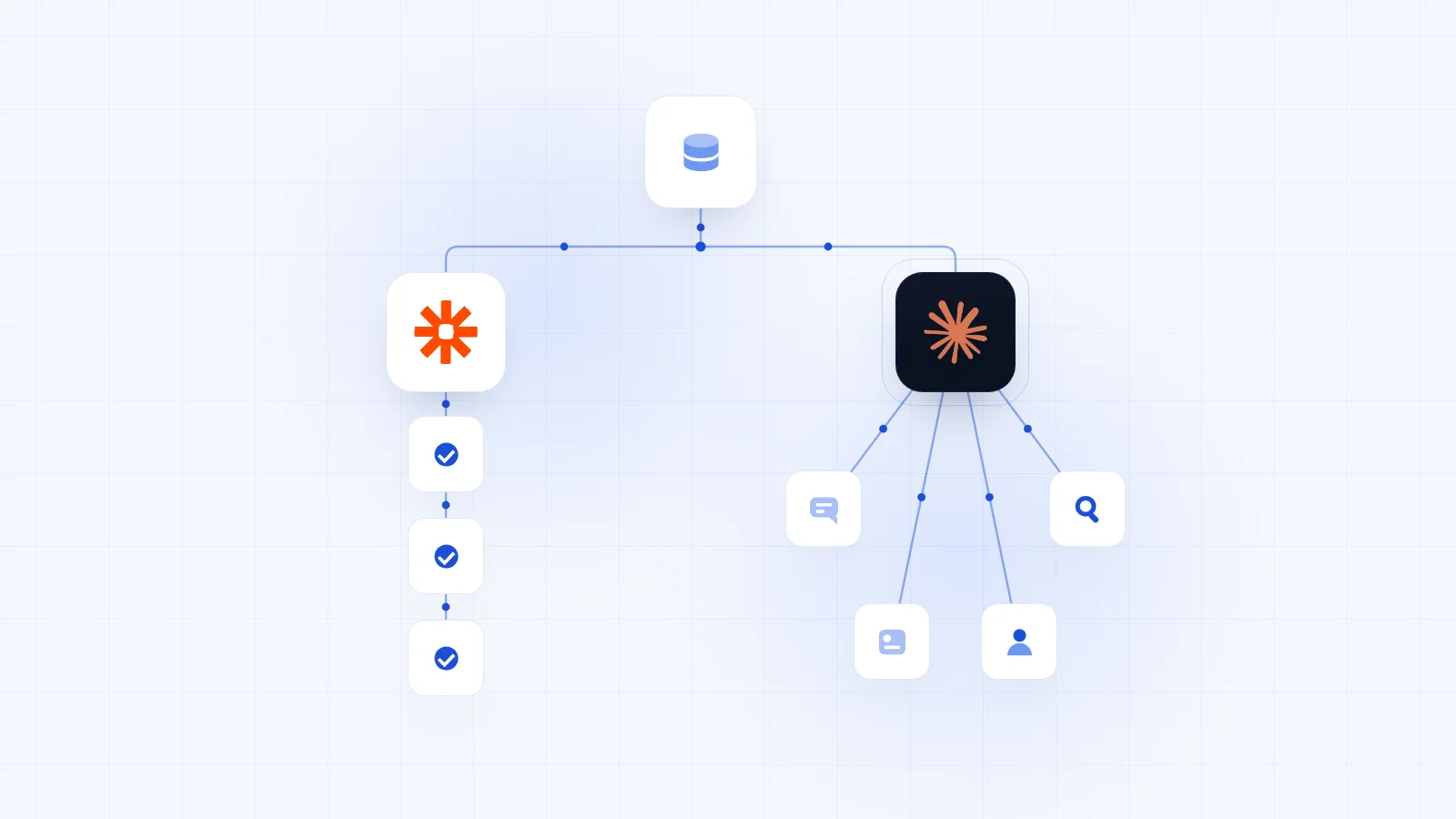
Reclaim.ai Reclaim.ai Planning “Find two hours for proposal writing this week.” Plans your week, finds open time and books tasks into your calendar. Free plan · from $10/seat/moVisit Reclaim.ai ↗ ElevenLabs ElevenLabs Voice agents “Update our phone agent with the new prices.” Builds, trains and checks the voice agents that take your calls. Free plan · from $6/moVisit ElevenLabs ↗ TinyFish TinyFish Browser agent “Pull last month's invoice totals from the supplier portal.” Logs into portals, fills in forms and pulls what's on the page. Free credit · pay as you goVisit TinyFish ↗ Lovable Lovable App builder “Build a portal where each client sees their project status.” Builds, changes and deploys apps from a prompt. Free planVisit Lovable ↗ Clay Clay Lead data “Find the head of operations at these 20 firms.” Finds and enriches the right people and companies. Free plan · from $167/moVisit Clay ↗ Peec AI Peec AI AI search “Which competitors does ChatGPT name instead of us?” Shows how often AI chatbots mention you, and who they name instead. From $95/moVisit Peec AI ↗ Livestorm Livestorm Webinars “Who stayed past 30 minutes on Thursday's webinar?” Sets up your webinars, registers people and shows who stayed. Free to tryVisit Livestorm ↗ Bright Data Bright Data Web data “Pull the Google reviews for our five biggest competitors.” Searches the web and pulls data from any site: reviews, listings, prices. Free tier · 5,000 requests/moVisit Bright Data ↗ DataForSEO DataForSEO Search data “What do people search when they look for a firm like ours?” Shows what people search on Google, and who ranks for it. $1 free credit · pay as you goVisit DataForSEO ↗

Built by Trigger

Skip the setup.
We'll build it for you.

30 min
Free audit, no pitch
A few questions, then pick a time Book a free audit →

✓  You work with a founder, from the audit to handover

Move Acme to Proposal sent, send Sarah the proposal and draft a cover email with my booking link.
Attio Attio Acme moved to Proposal sent
PandaDoc PandaDoc Proposal sent to Sarah to sign
Calendly Calendly Your 30 minute booking link found
Gmail Gmail Cover email drafted for you to send

Everyday tools

Gmail Gmail Email “Sum up the thread with Sarah and draft a reply.” Drafts replies and sums up long threads. Free planVisit Gmail ↗ Slack Slack Team chat “What did the team flag in #sales this week?” Reads channels and posts team updates. Free planVisit Slack ↗ Wispr Flow Wispr Flow Dictation “Turn this morning's notes into tasks.” Talk instead of type. Claude reads its notes and tasks. Free plan · from $15/user/moVisit Wispr Flow ↗ Attio Attio CRM “Which deals haven't moved in two weeks?” Finds and updates your people, companies and deals. Free plan · from £34/user/moVisit Attio ↗ Granola Granola Call notes “What did we agree with Acme on Tuesday?” Tells you what was agreed on every call. Free plan · from $14/user/moVisit Granola ↗ Calendly Calendly Booking “When am I free for a call on Thursday?” Shares your booking links and finds free time. Free plan · from $10/seat/moVisit Calendly ↗ PandaDoc PandaDoc Proposals “Send the Acme proposal for signature.” Drafts proposals from your templates and sends them to sign. Free plan · from $19/seat/moVisit PandaDoc ↗ Notion Notion Knowledge base “Find our onboarding checklist and add a step.” Searches and updates your SOPs, notes and boards. Free planVisit Notion ↗ Google Drive Google Drive Files “Pull last month's numbers from the forecast.” Finds, reads and writes your docs and sheets. Free planVisit Google Drive ↗ Make Make Automation “Why did the invoice automation fail last night?” Builds and runs your automations, and checks what failed. Free plan · from $9/moVisit Make ↗ Zapier Zapier Automation “Add everyone from today's webinar to our newsletter list.” Lets Claude take actions in thousands of apps through your Zapier account. Free plan · from $19.99/moVisit Zapier ↗ n8n n8n Automation “Run the onboarding workflow for our new client.” Finds, runs and checks your n8n workflows. Free to self-hostVisit n8n ↗ Xero Xero Accounting “Who owes us money, and how much?” Reads your P&L, your cash and who owes you. From £18/moVisit Xero ↗ Canva Canva Design “Turn this quote into a LinkedIn graphic.” Creates designs and exports them. Free plan · from $12/user/moVisit Canva ↗ Figma Figma Design files “Map our client onboarding as a FigJam diagram.” Reads your designs and draws diagrams in FigJam. Free plan · from $16/seat/moVisit Figma ↗

How to connect

Connect any tool
to Claude.

The same four steps for every tool on this page, on every Claude plan, Free included.

Customize › Connectors+
01

Open Connectors

In Claude, go to Customize, then Connectors, and click the + beside Connectors.

AttioAttio
02

Pick the tool

Browse the list and open the tool. Its page says what Claude can read and change.

Connect
03

Connect it

Click Connect, then sign in to the tool and approve access.

Which deals haven’t moved in two weeks?
04

Ask

In any chat, click +, turn the tool on under Connectors and ask, the way the cards above do.

Automation guide

Before you
automate anything.

Follow these five steps before you invest time and money in automations.

01

Start with the task

Name the job, not the tool. Pick one process that eats time every week and write down what has to happen each week and what a successful result looks like. This is your automation map.

Stop if you can't say what a good result looks like.
02

Count what it costs now

How long does it take to complete? How often does it happen? How often does the result need fixing? The monthly time and cost allocation is what the automation has to beat.

Stop if the hours are too small to matter.
03

Ask Claude first

Every tool on this page connects to Claude. Connect it and ask for the job the way the cards above do. If Claude completes it successfully, a saved prompt or a scheduled task may be all that's needed.

Stop if a saved prompt does the job.
04

Price the build, not the tools

Remember step 2. The cost is the full investment, both time and money. Even if the tool cost is higher than expected, it might turn out to be cheaper than what your team is currently spending in time.

Stop if the build costs more than the hours it saves.
05

Build the simplest version

You only get here when a saved prompt isn't enough: the work has to start the moment something happens, run at volume or come out the same way every time. Build a plain automation for the steps that follow rules, and add an AI agent only where a step needs judgement. Start with one process.

Build it when it beats what the job costs now.

From the blog

More on automation.

All articles →
Five levels of putting AI to work in your business AI Systems Five levels of putting AI to work in your business Most businesses stop at the chat window and are limited to people typing into their AI chatbot of choice. Four of the five levels below take days to implement. Callum Carlstrom · 4 Sep 2026 AI Agent vs Automation, which is best? AI Systems AI Agent vs Automation, which is best? Needs judgement? Use an AI agent. Same every time? A simple automation will do it cheaply. More often than not, that's what owners asking us for an agent need. Callum Carlstrom · 23 Sep 2026 How are small businesses using AI day to day? AI Systems How are small businesses using AI day to day? Most still type questions into a chatbot. Connect AI to the tools you already use and it becomes a running system that does the admin, while you check what goes out. Ivo Gavin · 29 Oct 2026