AI Systems
Five levels of putting AI to work in your business
Most businesses stop at the chat window and are limited to people typing into their AI chatbot of choice. Four of the five levels below take days to implement.

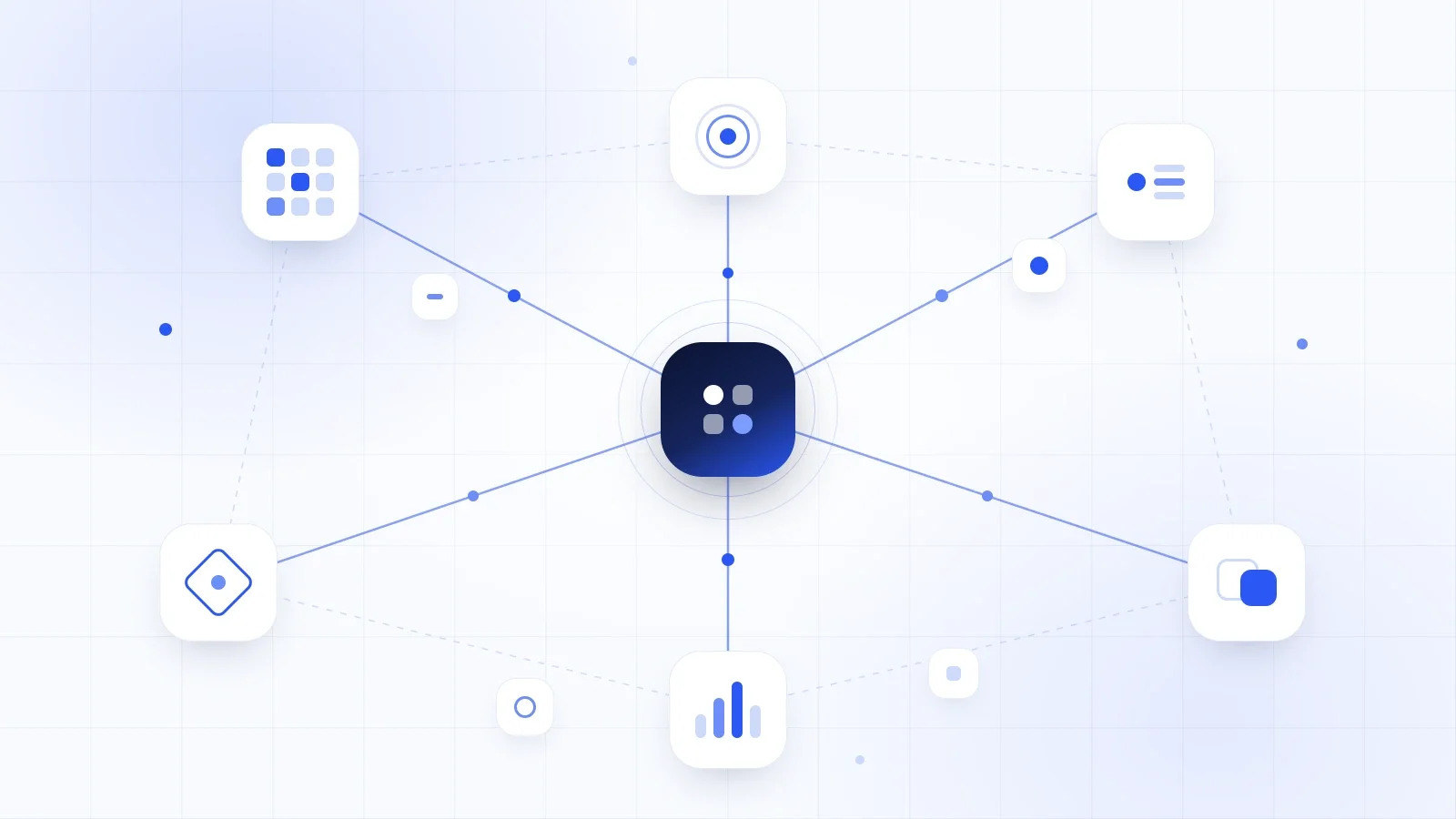
Most businesses already use AI. Few get real value, because it only runs when someone opens a chat window and pastes context in. The businesses seeing returns give AI three things a chat window cannot: access to their real systems, instructions written down once, and a trigger that fires without anyone remembering.
Why does AI feel useful but rarely valuable in a business?
AI feels useful because a chat window answers well. AI rarely becomes valuable because you are the integration layer: you gather the context, paste it in, judge the output, then copy it somewhere else. Every result costs your attention, so the value is capped at how often you remember to do it.
This is why AI adoption looks strong in most businesses and AI results look thin. A team can use ChatGPT every day and change nothing about how the business actually runs, because nothing happens when nobody is typing.
What separates the businesses getting real value from AI?
Three things, and none of them is a better model.
- Access. AI reads your real email, calendar, files and CRM rather than what you paste into it.
- Instructions. The prompt is written down once and reused instead of retyped from memory.
- A trigger. It runs on a schedule or an event rather than when someone remembers.
Each is worth having on its own, and they compound. Access removes the gathering. Instructions remove the re-explaining. A trigger removes you.
What are the five levels of putting AI to work?
There are five levels, each adding something the level below cannot reach. Most businesses sit at level one and assume the next step is level five. It is not. Levels two, three and four take days rather than months, cost almost nothing, and are what makes level five worth building at all.
| Level | What it is | Typical cost | What it adds |
|---|---|---|---|
| 1. Chat | Someone opens ChatGPT or Claude and pastes in context | $0 to $25 per person per month | Better drafts. Nothing runs without a person |
| 2. Connected | Connectors, which you will see called MCP, linking AI to Gmail, Calendar, Drive, Slack and your CRM | Included on most paid plans | AI works from your real data instead of what you remembered to paste |
| 3. Reusable | The working prompt saved as a project instruction, a skill, or a shared document | Nothing | The same output when a different person runs it |
| 4. Scheduled | Claude Cowork Scheduled Tasks, ChatGPT Scheduled Tasks | From about $20 per person per month | Work happens when nobody opens anything |
| 5. Built | Make or n8n scenarios, Claude Code Routines, ChatGPT Workspace Agents, direct API calls | From about $9 a month, plus the build | Fires on an event, acts, and writes back to your systems |
Product names, capabilities and prices here were checked on 4 September 2026, and this category moves quickly. Confirm on the vendor's own pricing page before you commit to anything.
What should you connect AI to first?
Connect your calendar, your email and your main file store first, read-only. Those three cover most of the context you currently gather by hand. Add the CRM next, still read-only. Connecting AI to real data is the single biggest jump in output quality available, because the gap between a generic answer and a useful one is almost always context.
Three things to settle before you connect anything:
- Connectors inherit permissions. Whoever connects an account grants AI access to everything that account can see. Start with one person's own mailbox, not a shared inbox.
- Decide what AI is allowed to read before you connect it, not after. Client contracts, HR files and finance folders are worth a deliberate decision.
- Read-only first, in every case. Write access is a separate decision that should come after you have watched the output for a few weeks.
How do you turn a working prompt into something the business owns?
Write it down the moment it works. A prompt that lives in one person's head or scroll history is not a business asset. Saved as a project instruction, a skill, or a plain document on your shared drive, the same prompt produces the same result when someone else runs it, which is the entire point.
A reusable instruction needs more than the request. Include the output format, your actual templates, your tone, the constraints, and one worked example each of good and bad output. Then test it properly: hand it to a colleague and watch them run it without you in the room. If their result differs from yours, the instruction is incomplete, and the gap is exactly what you failed to write down.
This is the level almost everyone skips, and it is the one that converts a personal habit into something the business keeps when that person is on holiday or leaves.
What should you put on a schedule first?
Schedule the things you should do every week and usually do not. A Monday pipeline brief. A daily inbox summary flagging only what needs a human. Meeting prep prepared the night before. A weekly competitor sweep. Claude Cowork Scheduled Tasks and ChatGPT Scheduled Tasks both do this without a developer involved.
Know the ceiling on both before you rely on them. Scheduled tasks are time-based rather than event-based. ChatGPT's poll roughly once an hour, mainly notify rather than act, and are capped at a handful of active tasks per plan. They are excellent at telling you something and weak at doing something. Cowork's scheduled tasks can use your connected tools and saved skills within a single run, which puts them closer to multi-step work than to a recurring question.
When do you need a built system instead of a scheduled task?
Build a system when the work has to fire on an event rather than a clock, write back to a system of record, or run whether or not anyone is watching. A scheduled task that summarises your inbox is a convenience. A workflow that enriches a new lead, routes it to the right person and updates the CRM within a minute of the enquiry arriving is infrastructure.
The tooling is cheap and the build is not. Make starts at about $9 a month, n8n at about $20 a month on cloud or free if you host it yourself, and model usage on top is usually pennies per run. What costs real money is specification: what happens on a duplicate, what happens when an API is down, who gets told when a run fails, and who owns the output when it is wrong. Those four questions are most of the build, and skipping them is what produces automations that quietly stop working in month three.
What does a realistic 90 days look like?
Ninety days is enough to get from level one to level five on one process, and only one. The sequence matters more than the speed, because each month produces the information the next month needs.
- Month one. Connect calendar, email and files, read-only. Pick one process. Record the baseline: how long it takes, how many times a week, and how often the output needs correcting.
- Month two. Write the instruction down properly and hand it to a second person. Fix what they got wrong. Put the working version on a schedule and leave it running.
- Month three. Read what the schedule produced. One of those outputs will obviously be worth firing on an event instead of a timer. Build that one, and only that one.
When should you build it yourself, and when should you get help?
Do levels one to four yourself. They take days rather than months, and doing them teaches you which of your processes are genuinely worth automating, which is knowledge nobody can hand you. Get help at level five, when AI has to act inside systems you cannot afford to break, because that is where most people's builds fail quietly and expensively.
Check out some of the systems we build for clients to learn a bit more about automating your business.
Callum is a marketing and ops leader who has built and scaled multichannel campaigns generating over $10m in ARR across international markets. He is the systems architect behind every Trigger AI build, turning strategy into automations that actually run.