AI Systems
How are small businesses using AI day to day?
Most still type questions into a chatbot. Connect AI to the tools you already use and it becomes a running system that does the admin, while you check what goes out.

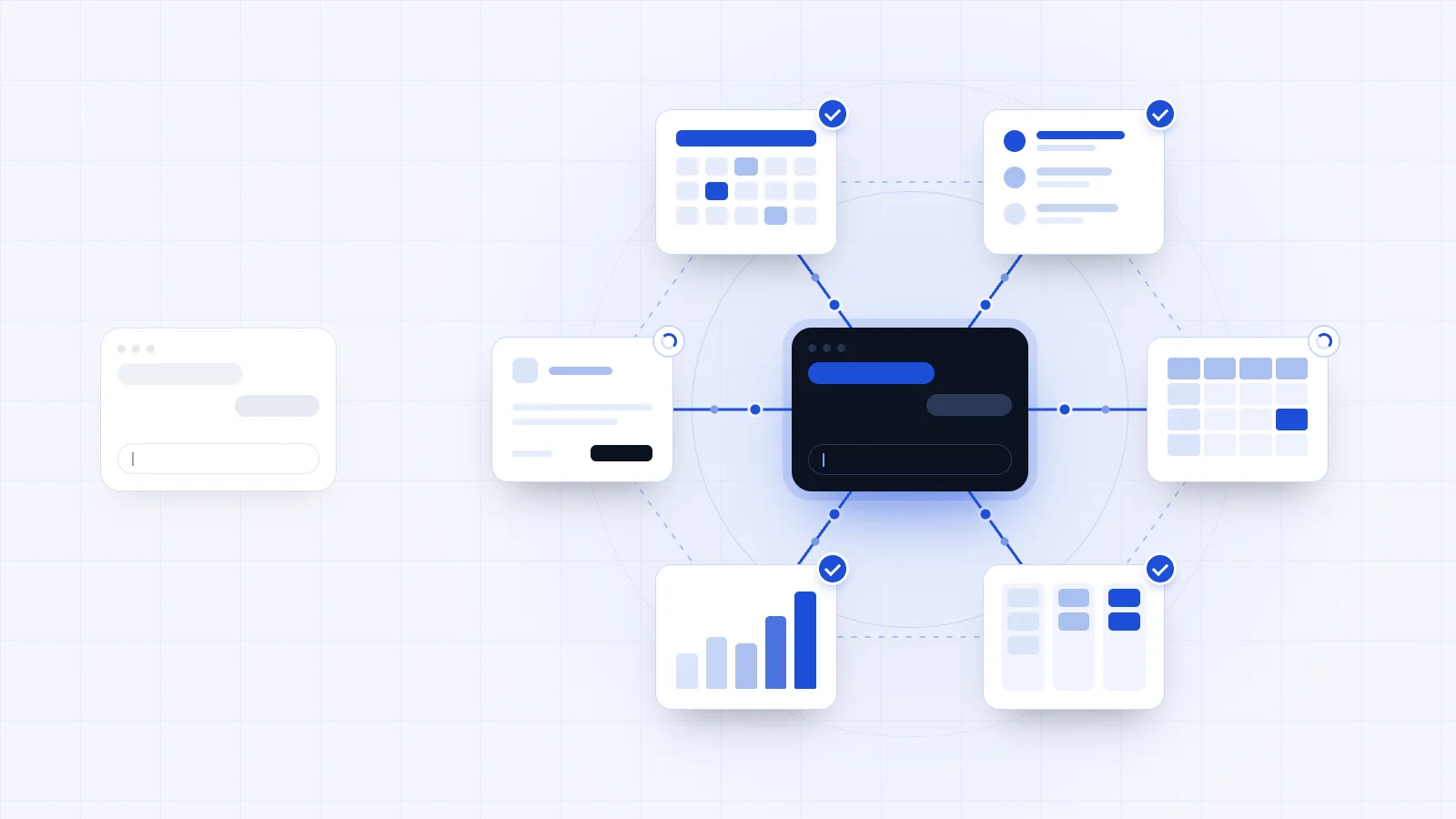
The short answer: most of them are still using it as a chatbot. They open ChatGPT, type something in and ask for its insights, and a lot of them aren't using anywhere near the full power of it. In the day-to-day running of a business, the big change of the last few years is connectors. You can now plug AI into basically every system you use, and then it stops being a chatbot and becomes a system that's always running.
Why do so many owners get so little out of AI?
The chatbot habit is only half of it. The other half comes before any tool: a lot of owners want to bring in AI because they've seen the hype. They've watched what the technology can do, and they know it's powerful. What they haven't really done is decide what they want it to do in their business.
I think about that in terms of economic value. A use of AI earns its place if it saves you a real amount of time, or if it makes the work you produce a lot better. That's where to focus.
What does it mean to connect AI to your business?
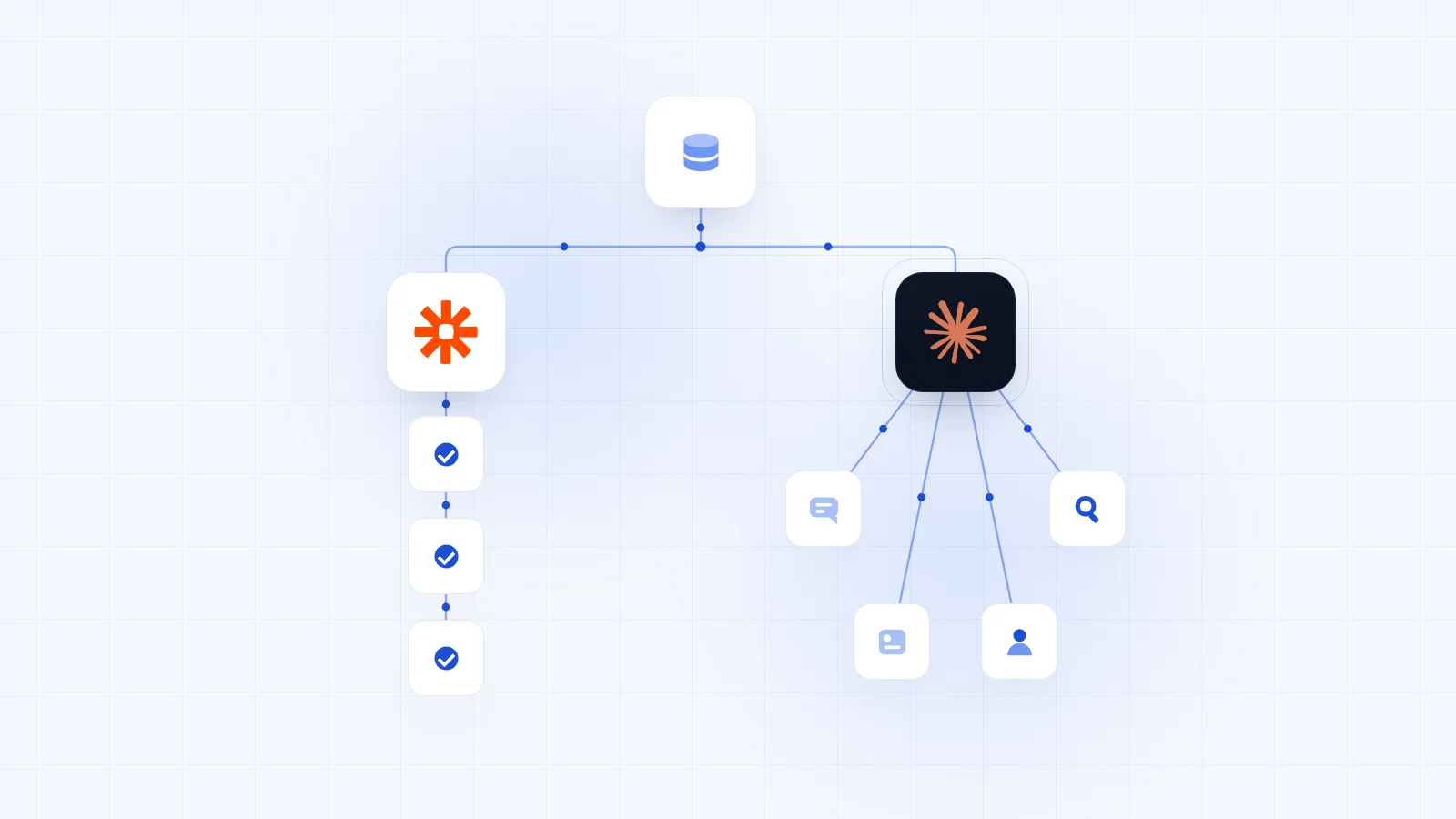
Connecting AI means your AI of choice, Claude for example, is plugged into the other systems you use: your email, your CRM, the tools you create content in. Anything with API access, which is how one piece of software lets another read from it and write to it, can be part of the system.
Once it's connected, AI picks up events as they happen. Someone messages you, comments on a post or likes something, and that information reaches the AI. It then does one of two things: it updates your tools itself, or it tells you there's something for you to act on.
What this takes away is the grunt work of remembering. No more mental notes to follow up with someone, or to keep in mind that a client is away next week. The system holds all of that and brings it to you at the right moment.
What can AI do for a small business day to day?
There are plenty of jobs it can take on. Here are four, each one something that used to be done by hand.
Chasing follow-ups in your sales pipeline
Before, you'd have your deals in a CRM, maybe laid out as a board with a column for each stage, and you'd go through them one by one. I emailed him last week. I called her four days ago. Is it time to chase?
Now AI can scan that pipeline every day. When someone is due a follow-up, it messages you to say so, with a reply it suggests you send. You don't even copy and paste it: you click a button, the reply is drafted in the tool you already use, and it goes.
Writing your client reports
Say you run a marketing agency and report to clients on return on ad spend, or on how many people clicked through from your emails in Klaviyo. Before, somebody checked each platform, pulled the numbers and built every report by hand.
Most of the software behind that kind of work now lets AI read its data. Train AI on your brand and your tone of voice, and it can gather the numbers and write each client's report automatically, every Friday for example. What's left for you is to read it over, make your edits and send it.
Think of it like thisYou become the head chef on the pass. The kitchen does the cooking. Your job is to look over every plate, make sure it's right, and send it out.
A short daily list of what needs you
People forget things. It might be a client report, something to do with a small team you manage, or simply who's taking time off and when. With AI connected to your systems and watching your workflows, you get a short update every day of what needs doing and what comes first.
Keeping your CRM and your to-dos clean like this, CRM hygiene, is a big one for me, because the efficiency gains from not letting things slip through the cracks are huge. With the models getting so much smarter, it really is like having a proper personal assistant, and a very sharp one.
Working through a list you haven't touched in months
AI is very good at taking a large set of data and breaking it down. Say you have a long list of old prospects, past clients or customers who haven't engaged with you in a while. AI can go through every single entry, sort them into groups and suggest what you could do with them.
If you run an app, that might mean a push notification to the customers who've gone quiet. If you run a service business, it might mean sending them an update on what you've been doing. Either way, you're not looking through the data yourself. The AI did the long, hard part, and you put the human touch on top. I think that's the best way to use it.
Where should a person stay in charge?
That human touch is also where I'd draw the line. I see AI go wrong on a daily basis, and the warning I'd give every owner is about what gets sent. At Trigger AI we use AI heavily for finding things: working through big sets of data, spotting what's worth acting on, and finding leads and sales signals. It's very good at that.
What I wouldn't do is have it write all your emails, your outbound or your customer updates and then send them automatically. Unless you're working at a mass scale, I don't think that's a good idea. The more of your own touch you can put on top, the better.
Your customers should feel they're dealing with a business run by people, with your character and your critical thinking in what they receive. That's why we use a lot of video. It's literally us on camera talking, so whoever deals with us knows we've put thought into it and we're on top of the work, while the AI systems we've built do a lot of the heavy lifting behind it. We like to write our own email copy too, and when AI does write one of our emails, we always read it through and check it before it goes. It does make mistakes.
I get messages every day pitching me products that have nothing to do with me, written by AI and frankly garbage. Sending things out without a second look like that is really bad for your credibility.
How do you start using AI in your business?
A friend of mine who runs about six restaurants across London recently asked me where to start. This is what I told him.
- Get Claude. It's my favourite AI system. It's very smart, it's really good for getting work done, and it's pleasant to use. You'll need a paid plan for what follows. In the Claude desktop app you can work in Claude itself or in Claude Code, its tab for working on the files in a folder, and I'd start in Code.
- Make a folder for your business. Create a blank folder and call it something like "[your business name] Claude". This is where everything Claude learns about your business will live.
- Download Wispr Flow. It turns what you say into text, so you can answer questions out loud instead of typing. As of October 2026 it has a free plan, capped at 2,000 words a week on desktop, and a paid one if you talk a lot.
- Ask Claude to interview you. Tell it something like "Can you interview me thoroughly on everything about my business?" and send it a link to your website, if you have one, along with anything else it should know.
- Answer at length. Every time Claude asks you a question, speak your answer through Wispr Flow, and say as much as you can. The more context you give it, the better. Then have Claude save all of it to your folder.
That folder becomes what some people online call a second brain: the context behind all your work with Claude. Claude does have its own memory, but it will also organise the folder into an efficient place to keep everything. So every time you open Claude, you're not starting a fresh chat. You could work on one project all week, come back months later, ask about it, and it will know everything it built and everything you discussed. The folder keeps learning and growing over time.
Once the interview is done, ask it the question that matters: what can I automate, what can I improve, and where could I be more streamlined? From that point, the folder you've built is working as your assistant, or maybe even something close to a CTO.
Ivo has held leadership roles in tech companies across London, Europe and the US, inside businesses with a combined capital raise of over $100m. He has built sales and commercial systems from the ground up, generating over $20m in ARR across the companies he has led and the clients he has worked with.