AI Systems
How do I integrate AI into my business?
Start with one job that eats your time, keeps going wrong or just annoys you, and solve that with AI before you think about tools. Then do the next one.

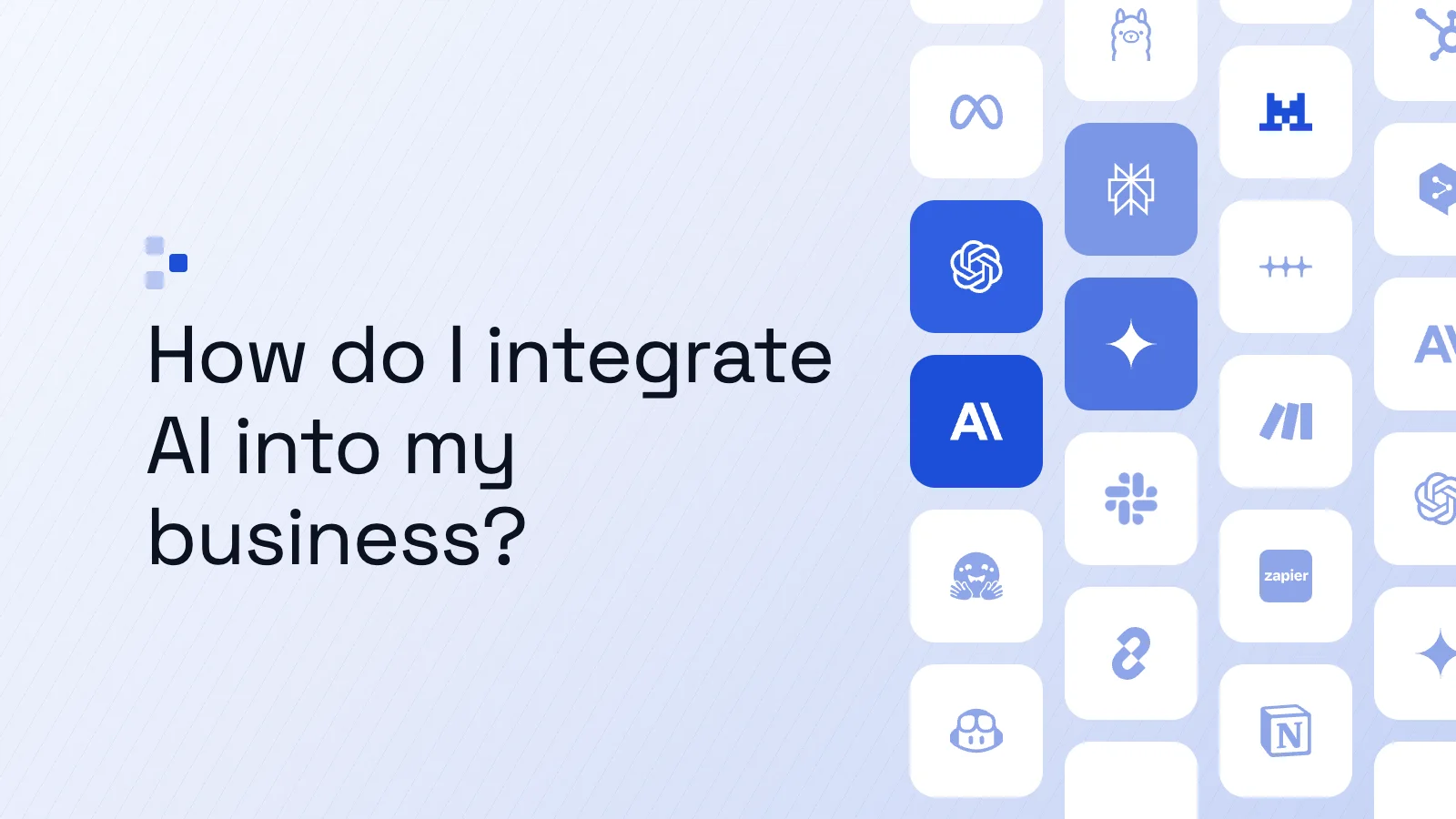
In short, the job comes first and the tools come later. Which AI to use, and which of your systems will need to talk to each other, can wait until you know exactly what problem you're solving. That's how a business ends up running on AI: one problem solved at a time, adding up until, over time, AI is running a large part of it.
Here's how to choose the first job, how to bring AI into it step by step, what needs to be ready before it touches your tools, and what a fully integrated job looks like in one of our own builds.
Why shouldn't you start with the AI tools?
Starting with the tools gets the order the wrong way round. The mistake most people make is signing up for a bunch of AI tools first, then hunting for problems to fit them to, often for no better reason than wanting to use AI. Any efficiency that comes out of it is hard to pin down.
Social media doesn't help. You'll see posts on LinkedIn, Reddit and Instagram from people saying 30 AI agents now run their business as their new team. Those posts make it easy to forget that integrating AI has to happen one step at a time.
Which job should you integrate AI into first?
A good first job is one that eats a lot of your time, often goes wrong, or is just flat out annoying. A fairly simple job is the better place to start, though not too simple: push yourself a bit.
Say you send a client a report every week, or spend part of each week chasing the people in your pipeline. Take a job like that and hand a portion of it to AI first, not the whole thing.
How do you integrate AI into your first job, step by step?
You integrate AI into a first job by giving a tool what you'd use yourself, showing it a good result, testing it, standardising it, and only then building it into your systems. Take the weekly client report, built from whatever data it uses: marketing figures, accounts or anything else.
- Choose an AI tool and hand it what you'd use. Say you pick Claude Code, the part of Anthropic's Claude that, as of November 2026, works with the files and tools you give it. Give it everything you'd normally gather to write the report.
- Show it what good looks like. This is the beauty of AI: you don't have to work out every step yourself. Show it what a successful report looks like. It can also help steer you to a better report than you're used to producing, so the job gets better instead of simply repeating.
- Test it before it goes live. We always recommend asking the tool for a few test runs first, so you can check it does the right thing and see each output before it's used for real.
- Standardise it. When one report works, you might extend it to a few others, internal and external, and try including it in one of your processes.
- Build it into your systems. Once it's run successfully for a while, you might ask Claude Code to integrate the report into your CRM (the system that holds your customers and deals) or your client management system, wherever yours is. From there, each new job builds on the ones before it.
What needs to be in place before you connect AI to your tools?
Connecting AI to your tools sounds like it needs a lot of preparation, but with AI as it is today, nothing really has to be ready first, unless you want it to be. If you have the time, and the job sits in a part of the business that isn't critical, you can just connect AI to the tool and set it up as you go.
Say the tool is your CRM. Connect your AI to it, let it read what's already there, explain what you're trying to achieve, and ask whether anything needs tidying first. The AI can walk you through that setup too, which makes it a genuine collaborator, and Claude Code is great for this. For a starting point, here are the Claude connectors we recommend: add-ons that let Claude read from and work inside your other software (as of November 2026).
If you want great results from AI from day one, though, it's a different story: there's a lot of setup work to do, which comes at the end of this piece.
What does it look like when AI is fully integrated into a job?
Fully integrated, a job like writing proposals goes from a few hours of work to one button in the CRM and 10 minutes. Proposals are a big first job, but they show it well. One of our clients was producing proposals that didn't look great, took up a lot of their time and didn't necessarily convert that well.
Every proposal followed the same routine. Someone went back through the discovery calls, follow-up calls and emails to work out what would suit the client, then built the proposal by hand in a proposal tool and recorded two videos in Loom, a screen-recording tool, to go with it: one walking through the proposal, one explaining the quote.
We began by setting aside the latest AI tools and what they can do, and mapped how a proposal really gets made. It came down to four parts:
- making the proposal page, which often looks much the same for every client
- tailoring what's in it to the client, from their calls and emails
- recording the videos that go alongside
- sending it to the right person, or people, at the right time
Then we automated the whole flow. We designed a new proposal in Claude Code and, once the design was agreed, marked which parts change for each client and which are the same for everyone. Their call recorder and their email now feed into their CRM, where a custom app we built attaches proposal generation to each deal and matches it to the client. So the generator holds everything from that client's calls and emails, and passes it to an AI layer we've trained to pick out what matters most.
The AI layer is quite an important part. AI is very capable, but it's a good idea to add rules of your own: which sections of a proposal matter most, and which things a client tells you outweigh others, so the proposal is shaped around them. A few test runs refined it from there. AI helped us build it, and AI is part of how it runs.
Making a proposal now takes one click on a Generate Proposal button in the deal in their CRM, plus choosing a template, and the engine handles the rest. The proposal also links to a CMS, the editor behind their pages, so they can make edits themselves, because you can't hand it all over to AI. They now spend 10 minutes on a proposal instead of a few hours.
When should you bring in help to integrate AI?
Bring in help when you want really good results from AI, and especially when you want them from day one, because those depend on having the right AI setup. That's where an agency like Trigger AI can help.
Part of that setup is gathering everything about your business into your own AI operating system, a structured home for all the context your AI works from, because an AI tool performs better with the right context: everything relevant to the job, kept up to date. As you keep working with it, you set up a feedback loop inside that system, so the relevant information stays and gets logged every day, and what isn't relevant is removed, updated or changed over time. That's what lets the results compound.
It's also where a lot of owners get lost, because so much happens under the hood to make AI properly useful across everyday work. That's where it helps to bring in people who know AI very well: people who've built a lot of systems for other businesses and run their own business entirely on AI.
That's how we usually work. We act as our clients' AI and growth partners over time, and whatever they need, whether a problem solved, something implemented or a system built, we do it for them. That can mean connecting their tools or building bespoke apps from scratch, and it's how a business becomes truly AI native, fast.
Callum is a marketing and ops leader who has built and scaled multichannel campaigns generating over $10m in ARR across international markets. He is the systems architect behind every Trigger AI build, turning strategy into automations that actually run.